
Creating downloadable documents with Ask Albert
Ask Albert can create files you can download and open outside Albert. These files are called documents. Ask Albert builds them from data that is already in Albert at the time of your request.
If you want to explore results interactively in the chat, such as filtering a table or adjusting a chart, ask for an artifact instead.
Documents vs. artifacts
Documents are files, such as Word documents, Excel sheets, PowerPoint decks, and PDFs.
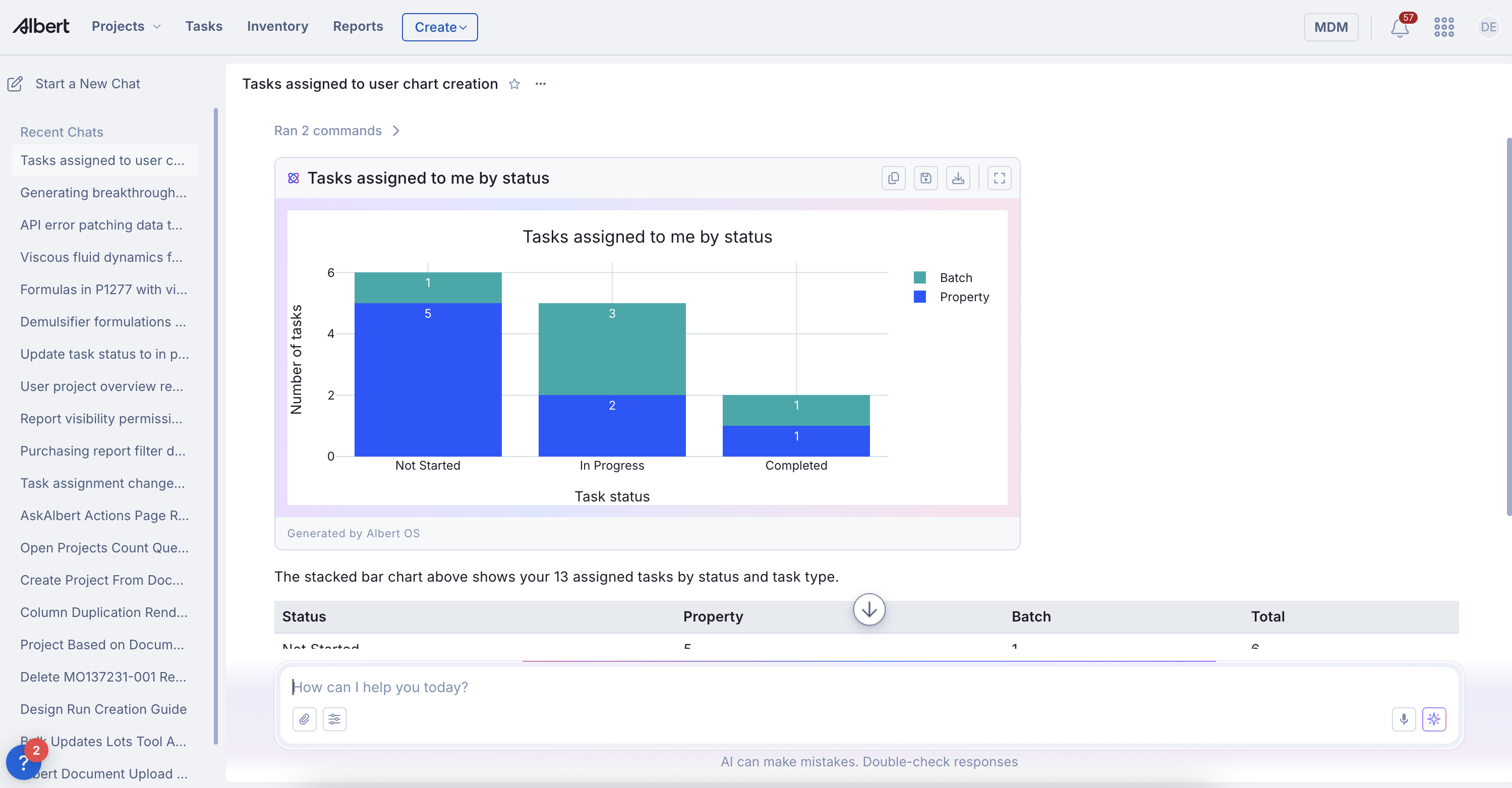
Artifacts are interactive surfaces inside the chat.
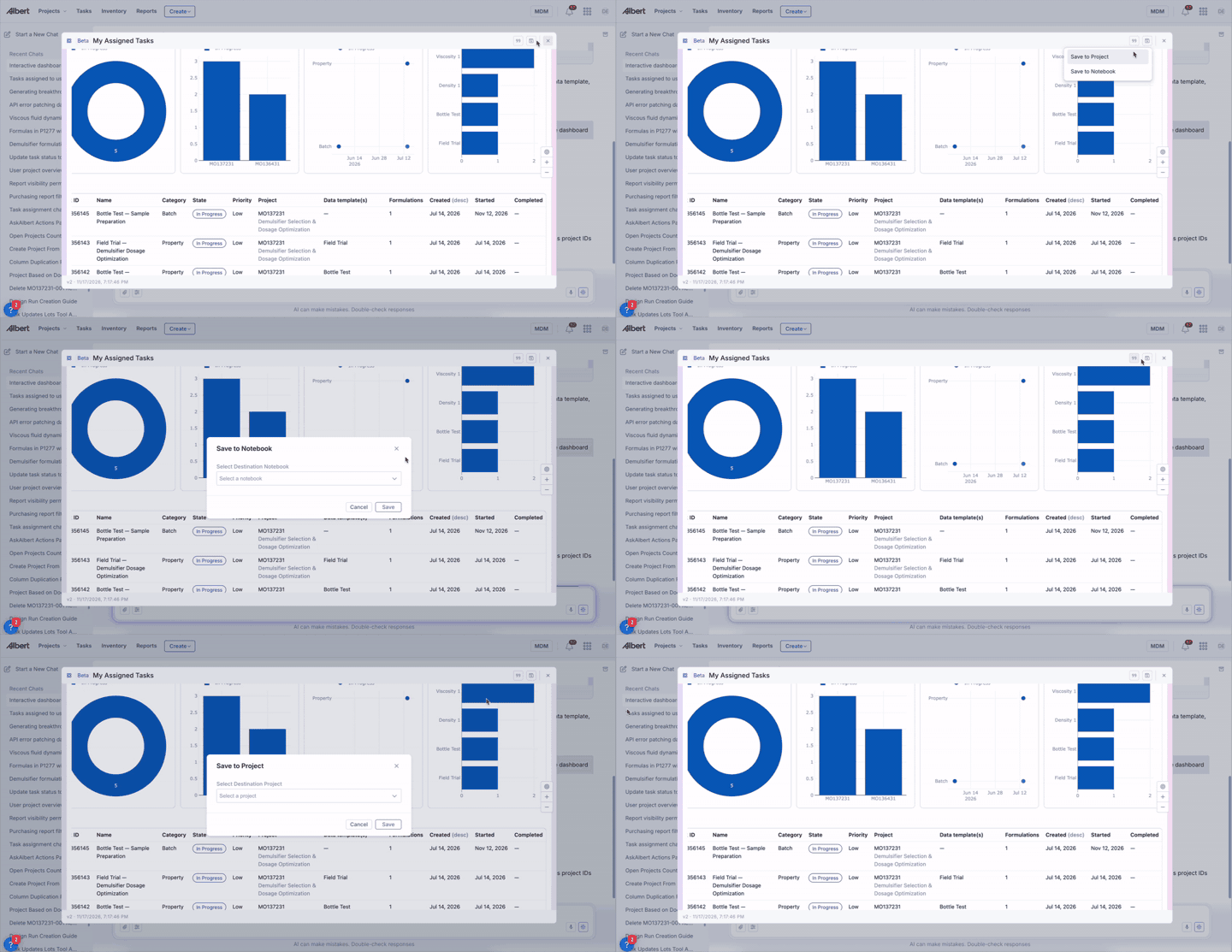
Before you start
The record must already exist in Albert. Ask Albert builds documents from data that's already in the system. For example, you can't generate a formula report for a formulation that hasn't been created in a worksheet.
The data must be recorded. If a field is blank or a result hasn't been logged, it won't appear in the document.
To save a document back into Albert, the target record (notebook, inventory item, task, lot, or data template) must already exist.
Requesting a document
Ask in plain language. Name the file type and the record you want it to use. If your request is vague, Ask Albert asks a clarifying question before it creates anything.
Examples:
"Export these viscosity results to Excel."
"Generate a formula report for P301-002."
"Build a PowerPoint summary of this project."
"Create a bar chart of R-values across these formulations."
"Generate a lot label PDF for LOT12345."
For more prompting tips, see Ask Albert prompting tips.
What Ask Albert can create
Supported file types
Excel or CSV. Data tables, measurement summaries, and analysis results.
Word. Structured reports, summaries, and write-ups.
PowerPoint. Slide decks built from project data or analysis.
PDF. Formula reports, lot label PDFs, and other formatted outputs.
Charts and plots. Static PNG images.
Saving a document to Albert
After Ask Albert creates a file, you can save it to a record. You can:
Attach it to a notebook or a project.
Download or copy the file.
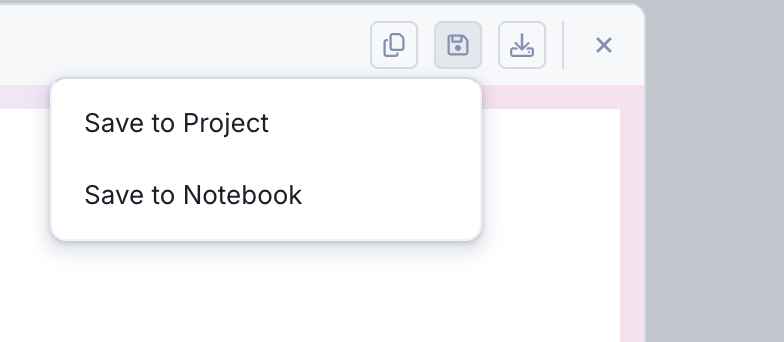
Revising a document
Follow up in the same conversation to change a result without starting over. For example: "Use a bar chart instead of a line chart," or "Include only lots from Q1 2025."
If Ask Albert can't create the document
Ask Albert explains why in the chat. Common causes:
The record doesn't exist. Check the exact name or ID, or create the record first.
The file is missing data. Add the data to the relevant record, then ask again.
The result isn't what you expected. Describe the correction in a follow-up message.