
Tasks Export - Property Tasks
Edited
Task Export is now available. Download complete data and parameters of tasks for offline analysis and comparison. This feature could be helpful for those areas where electronics are not permitted.
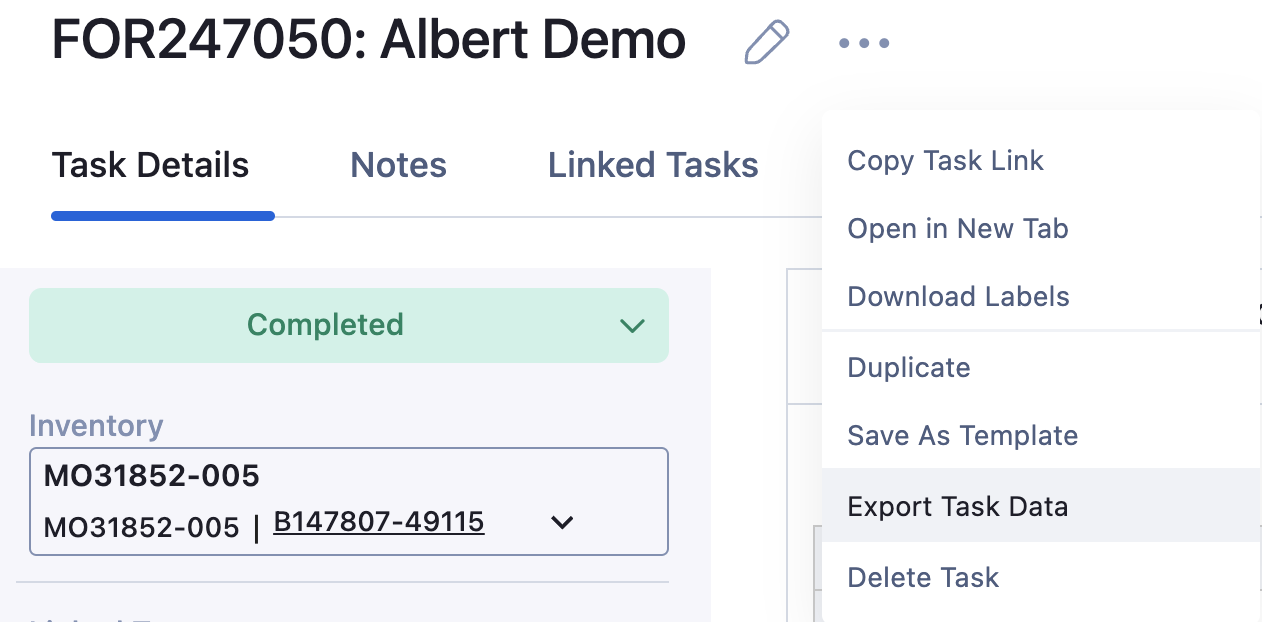
To export Property Task Data - navigate to the property task and click on the 3 dots for menu options. Select "Export Task Data".
Once the download has been completed a "Downloaded successfully" message will appear and the file can be found on the bottom left side of screen or within your machine's local downloads.

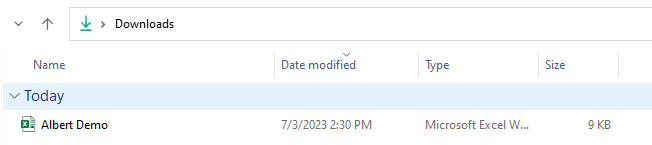
Each tab will indicate a different data template or parameter group(s).
Was this article helpful?
Sorry about that! Care to tell us more?