
Bulk Lot Actions
Users can perform bulk lot actions in the platform to streamline inventory workflows across your organization.
Bulk Lot Addition
You can create multiple lots of the same material at once during the lot creation process. Each lot will have its own unique lot identifier, however will all be linked to the same parent (identical first four digits!). To do this, click on the down arrow when creating a lot and simply select the number of identical lots you want to create (note that a maximum of 25 identical lots can be created at time).
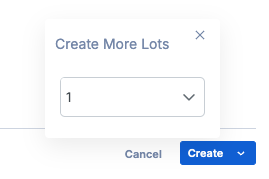
Tip: This functionality is great when receiving multiple containers of the same material in the same quantity to create all of the lots in one action!
After lot creation, the labels for each lot will automatically download in the user's default label size at once, allowing for easy label printing after creation.
Bulk Update Lots
Users can now bulk edit lots straight from within the platform with the Bulk Update Lots functionality. Users can perform the following actions in this module:
Zero Out
Transfer
Location Cleanup [Storage Location]
To access this module, click on the gear icon in the top-right, and then the Bulk Update Lots selection.
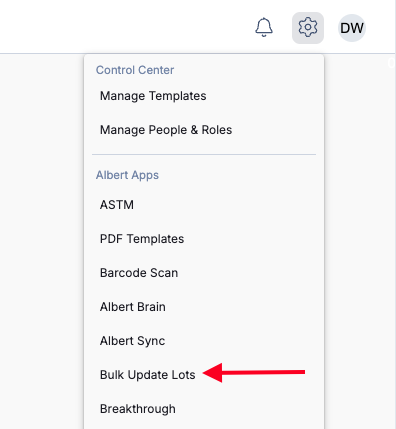
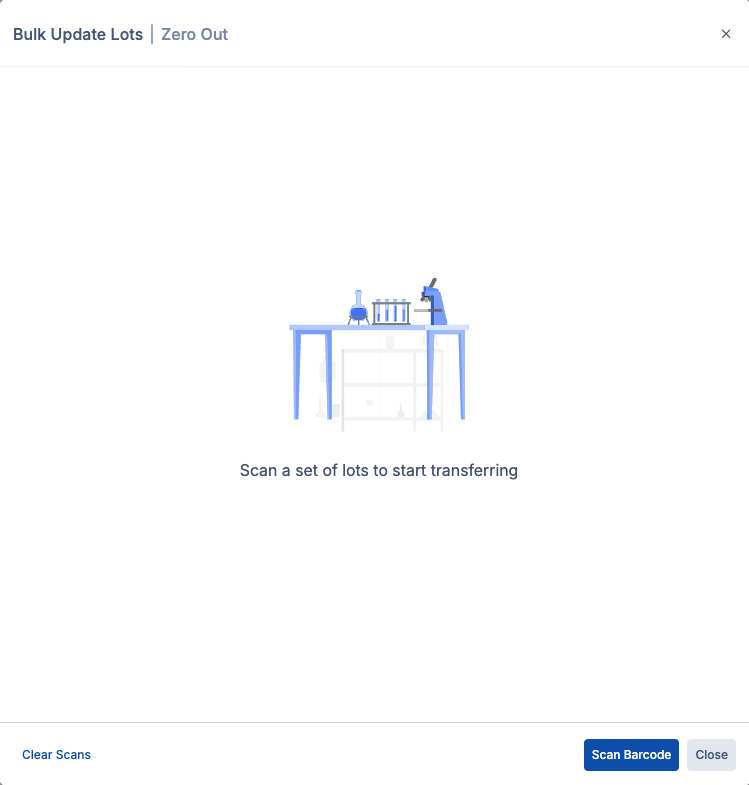
After clicking on this, you can select the action you want to perform. From there, begin scanning the barcodes to perform these mass-inventory actions directly in the Albert platform!
Note: You will need the appropriate permissions to perform these edits in Albert.
Please go to the help article for more information on Inventory Transfer & Adjustments.